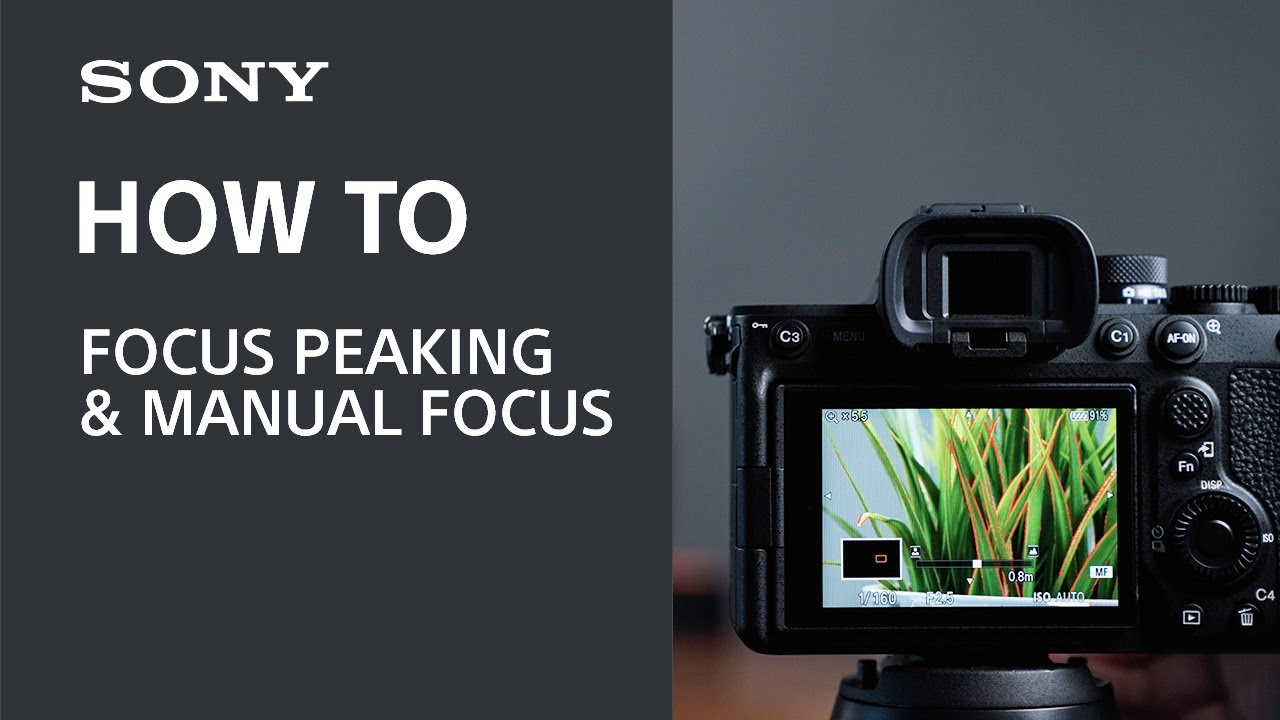
Today, we're going to talk all about focus peaking, why you would want to use it and how it can help you get more comfortable using manual focus.
Transcript:
To enable focus peaking on your Sony camera, you want to press the menu button on your camera and navigate to the Focus menu tab, then select peaking display. From this menu, you can choose the intensity of your peaking display and also choose which color you'd like to use. This can come in handy depending on the situation. For example, if you're shooting a cloudy day, then white might not show up quite as well. It may be more difficult to see. So in this instance you might want to choose something like red.
But how does focus peaking work and why would you actually want to use it?
Hi everybody. I'm Sam with Sony. Today, we're going to talk all about focus peaking, why you would want to use it, and how it can help you get more comfortable using manual focus.
So cameras have had focusing assistance for a very long time, long before they were even digital. I'm sure you know how hard it can be to see exactly where the focus point of your image is if you're just eyeballing it. Zooming in or using digital magnification can really help, but it can get pretty tedious if you have to do it all the time.
AutoFocus is obviously an amazing option these days. It's pretty much magic. It can focus directly on the right spot, which is the eye in dark rooms. It can follow faces. It's continuous, but there are some times when autofocus might not be the right choice. If you're, for example, taking landscape shots and the autofocus is choosing a point that you're not interested in, or if you're in an extremely crowded space and you just want to focus on your own family, maybe a tourist spot or something like that, or maybe you're feeling a bit artsy and you're wanting to get some blur in the image that autofocus is fighting against then in that case or all of these cases, manual focus might be a better option for you, which is where focus peaking would come in.
But overall focus peaking is quite simple. Once you've enabled it, you will see your highlighted color all through your display over the sharp edges. So anything that's in focus will show up surrounded by your highlighted color, and as you move your focusing ring, you'll see the highlighted color move across the image as your focus moves. Anything selected or highlighted in this color will be in focus.
But there is so much more to focusing on your Sony camera than just focus peaking. Why not check out our videos on AutoFocus modes next, which are linked in the description.
That's it. Get out there and start shooting. For more information, please visit the Sony Sport website. And thank you for watching.