
Top Tips: Street Photography
What to Shoot
Street photography can be best described as documentary photography that happens in a public place. Unlike photojournalism, street photography is more spontaneous, requiring photographers to explore and observe their surroundings.
Compose and Wait
If you find interesting light or composition, be patient. People will eventually walk through and add to the scene. Conversely, rather than looking for a scene, be on the lookout for interesting people. People dressed brightly, carrying something unusual, or doing an interesting job can all be fascinating subjects to photograph. Look for people that either complement or contrast with their surroundings.
 © Albert Dros | Sony α7R V + FE 16-35mm f/2.8 GM II | 1/6s @ f/8.0, ISO 200
Be Ethical
Make sure you are aware of the rules in your location regarding taking photos in public and publishing your photographs. Be mindful of the people you are photographing; be discreet, respectful, and if someone doesn't want to be photographed, just walk away.
Shoot from the hip
With the folding and articulated screens on Sony Alpha, RX, and ZX cameras, you can hold the camera at waist height and take photos discreetly. Taking this even further, you can hang the camera around your neck and use the Image Edge Mobile app to take your photos without even touching the camera. To a passerby, it will simply look like you are using your smartphone. These methods will draw less attention compared to using the viewfinder or holding the camera at chest height.
 © İlhan Eroğlu
Camera and Lenses
While any camera will work for street photography, smaller and discreet models that operate quickly are ideal. There are many Sony cameras that fit this profile, including the Alpha 7C II, which is small, lightweight, and has a 33-million-pixel full-frame sensor. Even smaller and lighter is the Alpha 6700 with a 26-million-pixel APS-C-size sensor. You could even look at the ZV-1 II compact camera, which will fit in a pocket and help you blend in by looking like a tourist.
A fixed lens is usually preferable, and traditionally street photographs aim to capture a field of view that is similar to human vision. This typically means full-frame lenses between 28mm-50mm, with 35mm generally being the focal length of choice. The FE 35mm f/1.8 is a good balance between price and size, while the FE 35mm f/1.4 GM offers incredible image quality but is larger. Perhaps the best premium lens is the FE 24-50mm f/2.8 G, which is small, lightweight, and has great image quality. Meanwhile, for those with APS-C sensors, the E 20mm f/2.8 is incredibly small and offers exceptional value.
Exposure Settings
The most important thing about your exposure is to be able to point-and-shoot so you don't miss a moment. Use a shutter speed around 1/125th or 1/250th sec. to freeze people moving and avoid motion blur. Your aperture should be set between f/8-f/11 to allow for all the key elements in the scene to be in focus. Finally, set the ISO sensitivity to Auto so that it adapts the exposure to the scene.
 © Alexander Wieck | Sony α7 IV + FE 20-70mm f/4 G | 1/500s @ f/7.1, ISO 250
Focus Settings
With subject, Face, and Eye AF, alongside features such as Touch AF and Tracking, there are many options on Sony cameras that can help you make sure that the subject of your image is perfectly sharp. Which focusing method you use will depend on your scene and subject. For example, using the touchscreen to focus and fire the shutter may be good if you are shooting from the hip, Tracking is useful if you want to follow a subject walking, and Face Detection could be great if you are photographing interesting people sitting outside a café.
Alternatively, you can try manually focusing and use Focus Peaking (MENU→ (Camera Settings 1) → [Peaking Setting]) to quickly focus in a general area. This method is particularly useful if you are waiting for someone to walk through a scene.
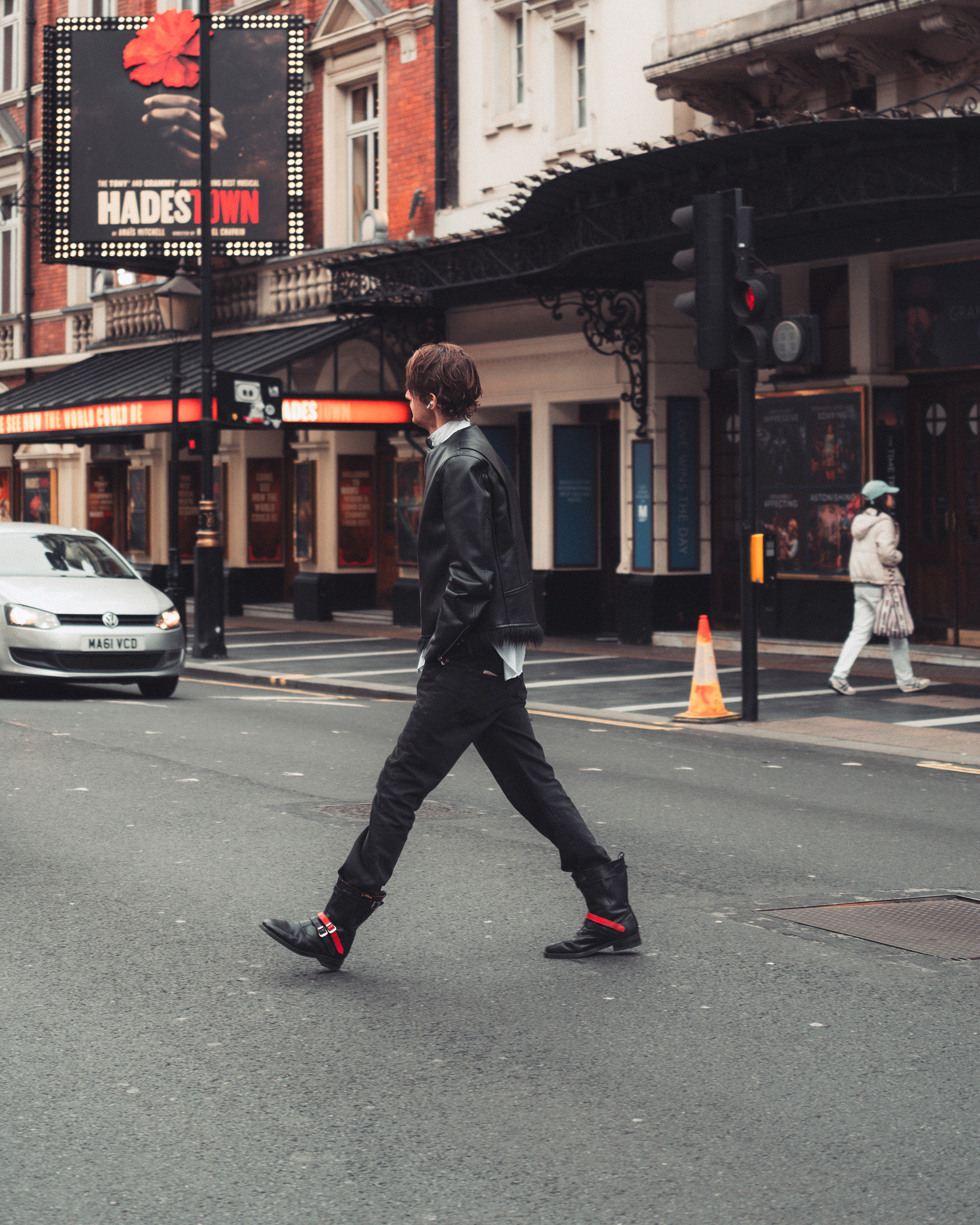 © Matija Vincek | Sony α7CR + FE 24-50mm f/2.8 G | 1/250s @ f/2.8, ISO 320
Drive Mode
Some of the most iconic documentary images were shot on film, when timing was everything. Today, it is still great practice to use Single Shot mode and time your shot. However, we now have the advantage of being able to shoot continuously at 5fps or even 10fps and select the perfect frame; small changes in position or facial expression can make a big difference to an image.
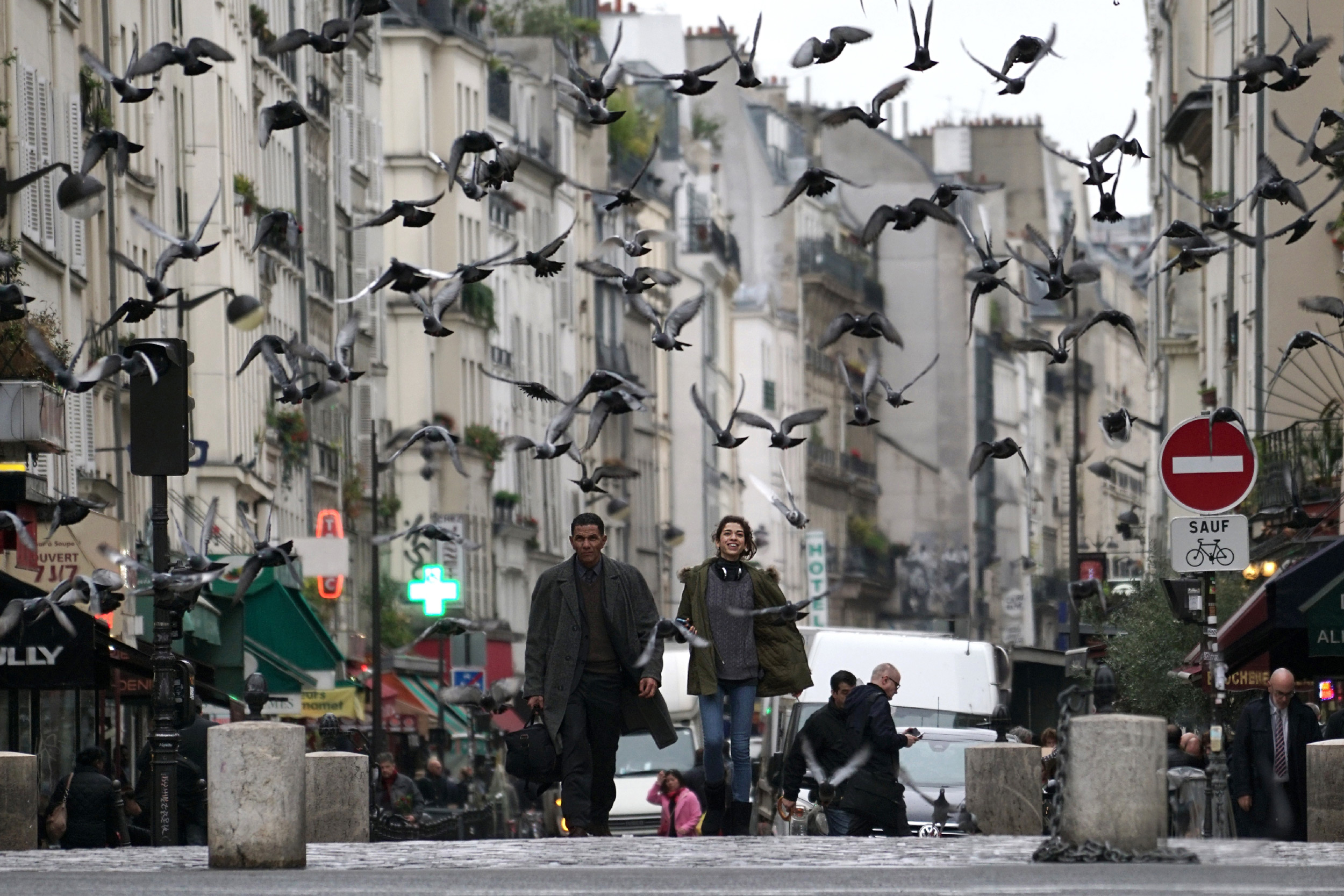 © Christophe Brachet | Sony α7R II + FE 70-200mm f/4 G OSS | 1/400s @ f/4.0, ISO 320
Creative Looks and Picture Profiles
Modern Sony cameras can replicate classic film looks we associate with street photography through Creative Looks or Picture Profiles. Creative Looks offer simple starting points with BW (black and white), NT (Natural), and IN (Indoor) options, each adjustable for contrast, highlights, shadows and more.
For even more advanced control, Picture Profiles provide extensive customisation options. Shooting in Raw + JPEG gives you a stylised out-of-camera look, but with the flexibility to edit the raw file later if you need even finer, or localised adjustments.
 © Oscar Lindsey | Sony α7 IV + FE 16-35mm f/2.8 GM II | 1/15s @ f/2.8, ISO 3200
Summary
- Be Observant - Look for interesting places and people.
- Be Patient: If you find a great spot, be prepared to wait for the right person to walk into the scene.
- Use a small camera to remain inconspicuous - The Alpha 7C II, Alpha 6700, or ZV-1 II are perfect for this.
- Lens Choice - a 35mm lens is perfect for street photography, and the FE 24-50mm f/2.8 G is one of the best for full-frame Sony cameras.
- Freeze Motion - set your shutter speed to 1/125th or 1/250th sec.
- Use a small aperture around f/8 or f/11 to get the whole scene in focus.
- Let the ISO do the work - set the ISO to Auto and let it adjust to the scene.
- Get the Look in-camera - Use a black and white or natural Creative Look or Picture Profile to get an image with a classic film look that is ready for sharing.


