
Top Tips: Concert Photography
What to Shoot
At large, well-organised concerts, you may only have limited shooting time, so go in with at least an idea of what you want to shoot. In contrast, at smaller venues with up-and-coming bands, you'll often have more freedom - and artists are usually grateful for the photos.
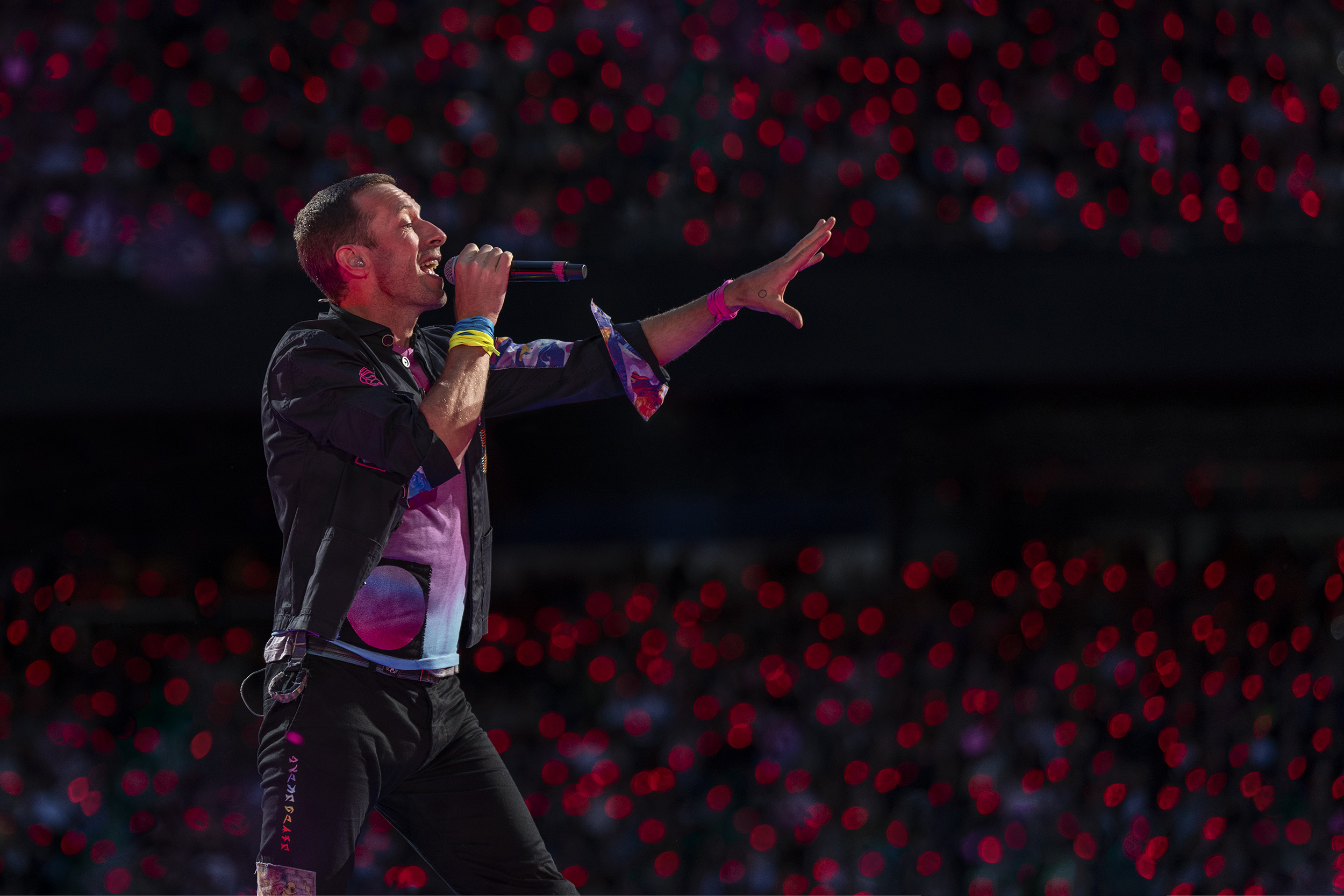
Look for key moments that show the emotion of the performance: facial expressions of a singer or guitarist as they play a crucial part of the song, or small interactions between band members - a knowing look, smile, or laughter. It is these human moments that stand out from what would otherwise be mere shots documenting the performance.
On a practical level, watch for microphones and mic stands that can obscure a singer's face - shooting slightly from the side helps significantly. Also, stage lighting often operates in patterns or sequences, so be ready to fire the shutter when you know a light will hit a performer at the right moment.
 © Morten Rygaard
Anti-Flicker Shooting
LED stage lights pulse at high frequencies - hundreds or thousands of times per second. If your shutter speed doesn't sync correctly, this pulsing appears as banding in your images. The first step is to use a mechanical shutter. The second is to experiment with shutter speed. As a basic rule, in Europe, where lights run at 50Hz, select shutter speeds that are multiples of 50: 1/50s, 1/100s, 1/150s.
If banding persists, turn on Anti-Flicker Shooting (Shooting > Shutter/Silent > Anti-flicker Set. > Anti-Flicker Shoot. > On). Half-press the shutter button and wait until you see "Flicker" displayed on screen. The camera detects flicker at frequencies of 100Hz and 120Hz. For persistent issues, use Variable Shutter (Shooting > Shutter/Silent > Anti-flicker Set. > Variable Shutter Set.). This allows you to precisely fine-tune shutter speed while viewing the rear screen until flickering resolves. It can take trial and error, but these tools help eliminate banding issues.
 © Gonçalo Delgado
Silent Shutter
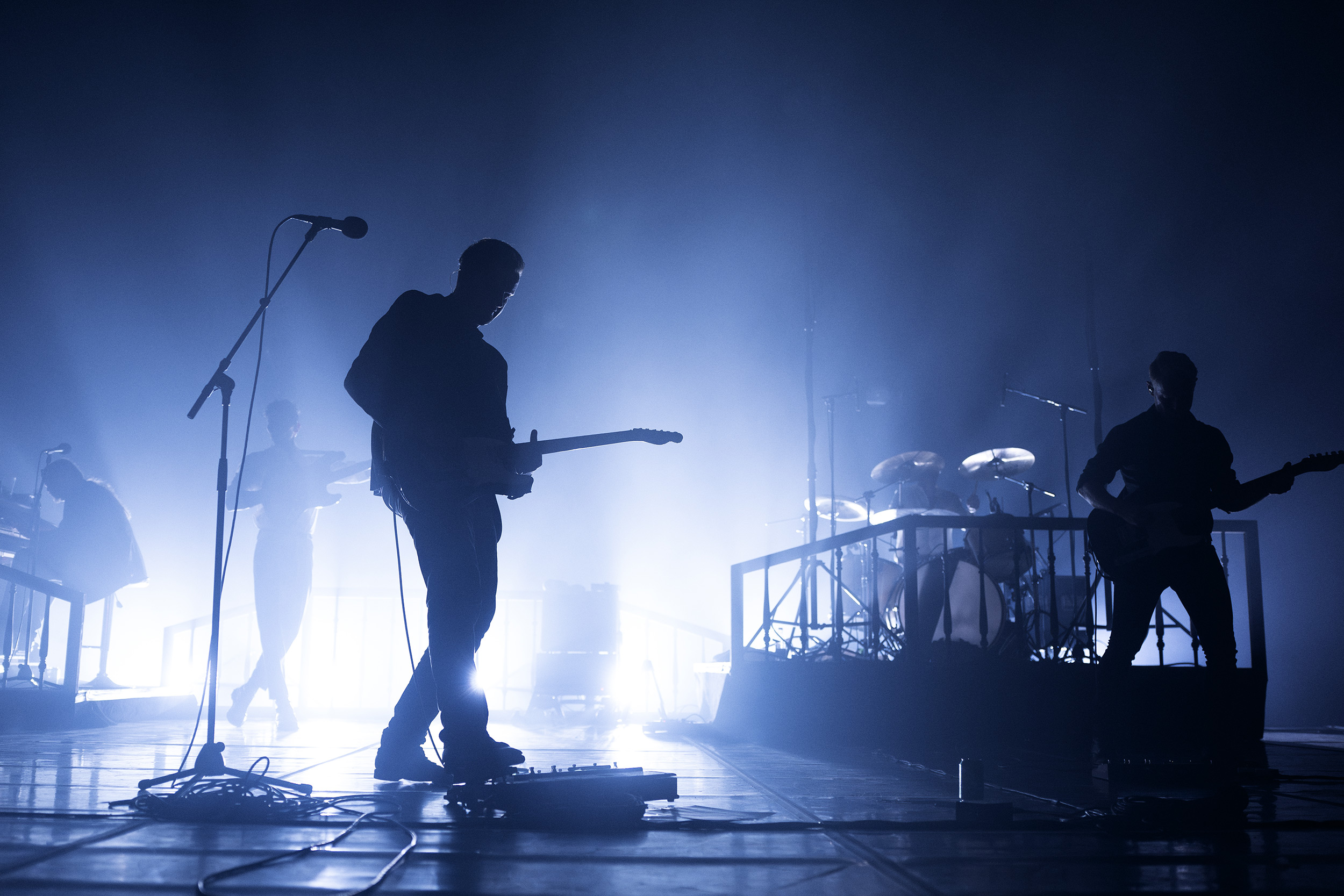
If you're photographing a smaller show or acoustic concert, the last thing you want is to disturb the performance. Switching to Silent Mode eliminates shutter noise. Turn it on by going to Shooting > Shutter/Silent > Silent Mode Settings, then set it to On. This switches to Electronic Shutter, silencing the mechanical shutter and turning off all audio signals, including AF confirmation.
 © Morten Rygaard
Camera Choice
There are excellent camera choices within the Sony range, but the best for concert photography is the Sony Alpha 1 II. It has 50.1-megapixel resolution for detailed shots with plenty of room for cropping. It can focus down to -4 EV and has excellent tracking autofocus. The Sony Alpha 7S III features a 12-megapixel sensor optimised for low-light performance. The Sony Alpha 7 V is an excellent all-rounder with 33-megapixel resolution and autofocus down to -4 EV.
 © Morten Rygaard
Exposure Settings
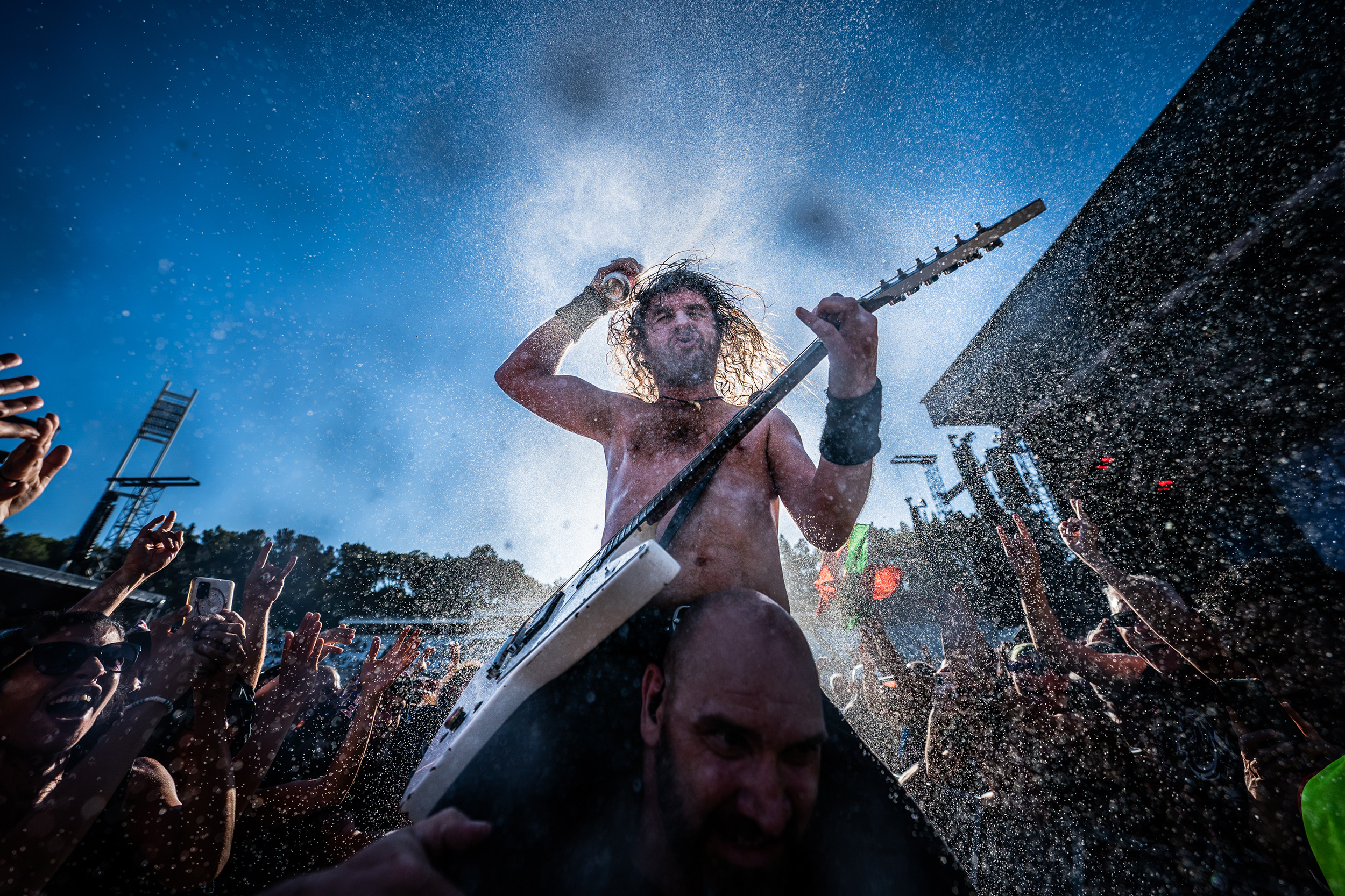
Lighting dictates everything when it comes to exposure at concerts. To make life easier, set Auto ISO with a minimum shutter speed of around 1/125s-1/250s to freeze movement - although this depends on the energy of the artist you're photographing.
From there, set your aperture based on how much depth of field you need. For mid-length shots of a singer, you may be able to shoot at f/1.4 or f/1.8. But for shots where you want both a guitar and the person's face in focus, you'll need to stop down to f/2.8 or f/4. Experiment with aperture settings to find the best results for your composition.
 © Gonçalo Delgado
Lens Choice
Most professional photographers use two lenses, often on two cameras, pairing a zoom lens with a fixed-focal-length lens with a large aperture.
If you're close to the stage, the FE 24-70mm f/2.8 GM II is a great all-round choice for wide and close-up shots. You may even be close enough to use a wideangle zoom lens, such as the FE 16-35mm f/2.8 GM II. Further back, the FE 70-200mm f2.8 GM OSS II enables closer shots of artists performing.
For prime lenses, the FE 35mm f/1.4 GM is a popular choice, and excellent for smaller venues - the large f/1.4 aperture excels in low light, and the focal length captures individual artists or the whole stage and crowd shots from further back. For those starting, the FE 50mm f/1.8 is an affordable, lightweight option that performs well in low light for shots of performers - it is a great entry-level option. Conversely, the FE 50mm f/1.2 GM is a low-light king, capturing the sharpest detail and beautiful blurred bokeh for dramatic shots.
 © Morten Rygaard
Real-Time Tracking with Subject Recognition
The latest Sony cameras, such as the Alpha 7R V, use AI subject recognition to track focus. At concerts, this means you can lock focus on the performer, and the system will track their eyes or face, or body, if they turn away. The autofocus of the Sony Alpha 1 II can focus in extremely low light - down to EV -4.0 - so even in very dark venues, you'll capture perfectly focused images.
Summary
- Silent Shutter: Turn on Silent Mode to avoid disturbing quieter performances.
- Anti-Flicker Shooting: Use Anti-Flicker mode to eliminate banding caused by stage lights.
- Real-Time Tracking: The latest Sony cameras use AI tracking that works even in low light, ensuring sharp images of performers.
- Auto ISO: Set Auto ISO with a minimum shutter speed of 1/125s-1/250s to freeze movement while adapting to changing stage lighting.
- Lens Choice: Pair a zoom like the FE 24-70mm f/2.8 GM II with a fast prime such as the FE 35mm f/1.4 GM for versatility.
- Capture Emotion: Look for facial expressions during key moments and interactions between band members.
- Watch the Light: Stage lights operate in patterns - anticipate when a light will hit a performer at the perfect moment.


